Lumail vs Mailchimp: Which Email Platform Fits How You Work?
Compare Lumail and Mailchimp by AI-agent access, pricing model, automation, and transactional email to decide which platform fits your operating style.
In this guide
Lumail is a Mailchimp alternative that does not charge per subscriber: unlimited storage on every plan, billed by email volume. Mailchimp prices by plan plus contact tier plus a monthly send allowance. Both send campaigns and automate email; the operators are different. Mailchimp is the established all-in-one marketing suite. Lumail is an email platform agents and developers can operate, with a visual app on the same surface.
The deciding question is not which product has more features. It is who, or what, will be doing the work: a marketer clicking through a familiar suite, or a person working alongside agents, terminals, and code. This comparison uses public product information available as of August 9, 2026. Verify current limits on each pricing page before purchasing, because plans change. For a condensed version of this article, see the side-by-side comparison table.
Lumail vs Mailchimp at a glance
| Decision | Lumail | Mailchimp |
|---|---|---|
| Core focus | Newsletters, workflows, transactional email, and AI-agent operations | All-in-one suite for email and multichannel marketing |
| AI and developer access | 89 organization-scoped MCP tools, CLI, TypeScript SDK, REST API, AI editor | Built-in marketing AI and integrations |
| Pricing basis | Email volume, with unlimited subscribers on every plan | Plan plus contact tier and monthly send allowance |
| Free plan | 3,000 emails per month, no credit card | 250 contacts and 500 sends per month |
| Transactional email | Included in the same organization through API or SMTP | Available through the Mailchimp Transactional add-on |
| Publishing tools | Capture pages for subscriber acquisition | Landing pages, forms, and website plans |
| Best fit | Teams operating email through agents, code, and a visual app | Teams that want one established suite for multiple marketing channels |
Mailchimp's current plans and limits come from its official pricing overview. Lumail's plans are listed on the Lumail pricing page.
Choose Lumail if agents should operate your email
This is the structural difference between the two products, and it is bigger than any single feature row.
Mailchimp includes built-in marketing AI and integrations. That model treats AI as an assistant inside the suite: it helps a human who is driving the dashboard.
Lumail inverts that relationship. The platform exposes 89 organization-scoped MCP tools, so an agent is not limited to drafting copy. It can manage subscribers and tags, prepare and inspect campaigns, build and edit graph-based workflows, query results, and send transactional email, all scoped to your organization with the same permissions model as the app. The same operations run through:
- ChatGPT, Claude, Claude Code, Cursor, Hermes, and OpenClaw via MCP;
- a CLI for terminal-first work;
- a TypeScript SDK and REST API for product code;
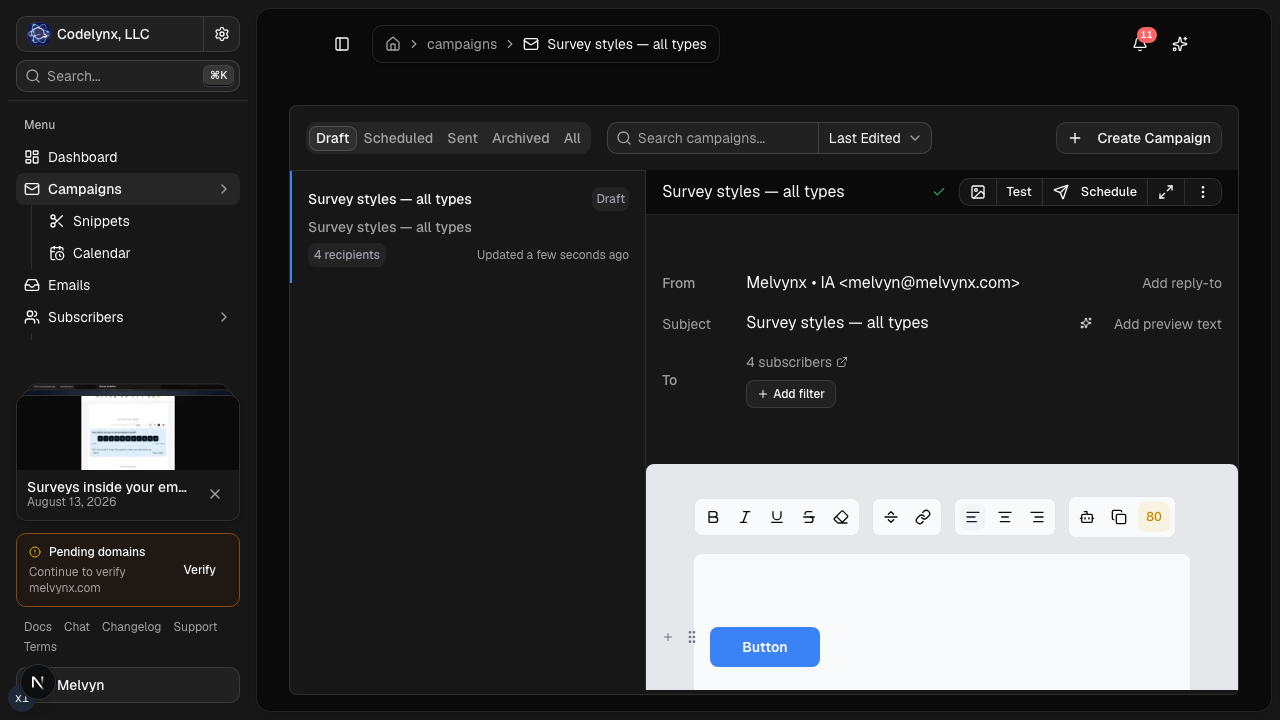
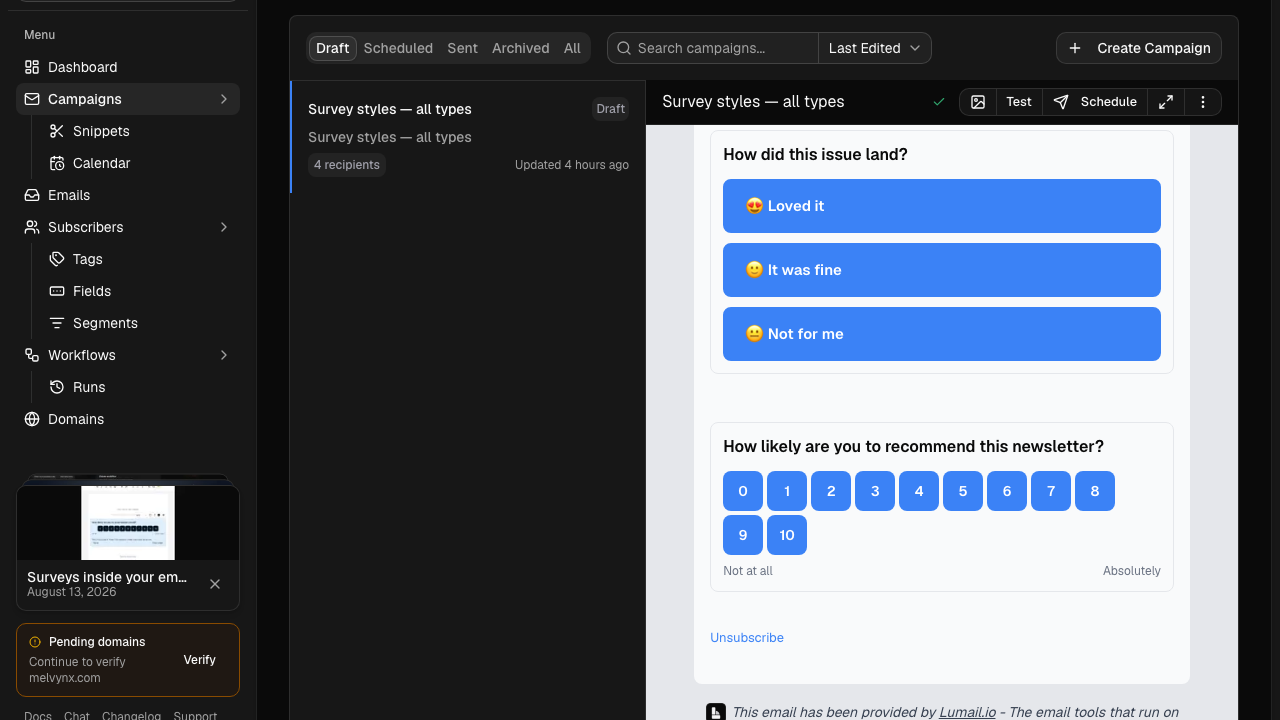
- the visual dashboard, workflow graph, and AI-assisted editor for humans.
In practice this means your weekly newsletter can start as an instruction to an assistant, arrive as a reviewed draft in the visual editor, and go out after a human approval. Or a support agent can look up why a specific subscriber did not receive an automation without anyone opening the dashboard. The email platform becomes something your tools can act on, not just a website your team logs into.
If your process lives entirely inside a marketing dashboard and nobody on the team touches a terminal or an assistant, this difference will not matter much. If agents are already part of how you work, it is the whole comparison.
Choose Mailchimp if you want one established marketing suite
Mailchimp's strength is breadth and familiarity. Beyond campaigns, it provides audiences, templates, landing pages, forms, and website plans, with SMS available as an add-on. Its template and integration ecosystem is large, and for many general marketing teams it is simply the tool everyone already knows.
That familiarity has real value. If your team spans multiple marketing channels, already relies on Mailchimp's integrations, or prefers an established general-purpose suite over a focused email system, Mailchimp is the safer organizational choice.
Lumail does not try to be a website builder or a multichannel suite. It offers capture pages for subscriber acquisition, but its scope is deliberately the email system itself: audiences, campaigns, graph-based workflows, transactional delivery, and the programmable surface around them.
Compare the pricing model, not the sticker price
Pricing is the second axis, and the two models are structurally different.
Mailchimp prices by plan plus contact tier plus a monthly send allowance. Storing more contacts moves you up a tier, and paid pricing varies by plan and tier. The free plan includes 250 contacts and 500 sends per month.
Lumail prices by emails sent, with unlimited subscriber storage on every plan:
- Free: 3,000 emails per month, no credit card;
- Premium: $20 per month with 40,000 emails included, then $0.60 per 1,000;
- Business: $200 per month with 400,000 emails included, then $0.40 per 1,000.
The consequence: on Lumail, list growth alone never raises your bill. Only sending does.
A worked example
Suppose you hold 30,000 subscribers but send one targeted campaign per month to an engaged segment of 18,000, plus roughly 5,000 workflow and transactional messages. That is about 23,000 emails per month.
On Lumail Premium, that is $20 for the included 40,000 emails, so $20 per month, regardless of how large the stored list grows. On Mailchimp, the same 30,000 stored contacts determine your tier before you send anything, because the base price follows contacts, not volume. We will not quote a Mailchimp figure here since its paid pricing varies by plan and tier; run your own numbers on its pricing overview.
The comparison flips for other profiles. A small list receiving very frequent sends can favor contact-tier pricing, and Mailchimp's suite may replace separate website and form tools you would otherwise pay for. Model your real usage:
- count stored contacts and expected list growth;
- estimate campaign recipients per month;
- add workflow and transactional volume;
- price a normal month, a launch month, and the same rhythm twelve months from now.
Compare automation and transactional email
Both platforms automate email, at different depths depending on plan.
Mailchimp includes welcome automation on its free plan and broader customer journeys on paid plans. For transactional email, such as receipts and account messages, Mailchimp offers a separate Transactional add-on.
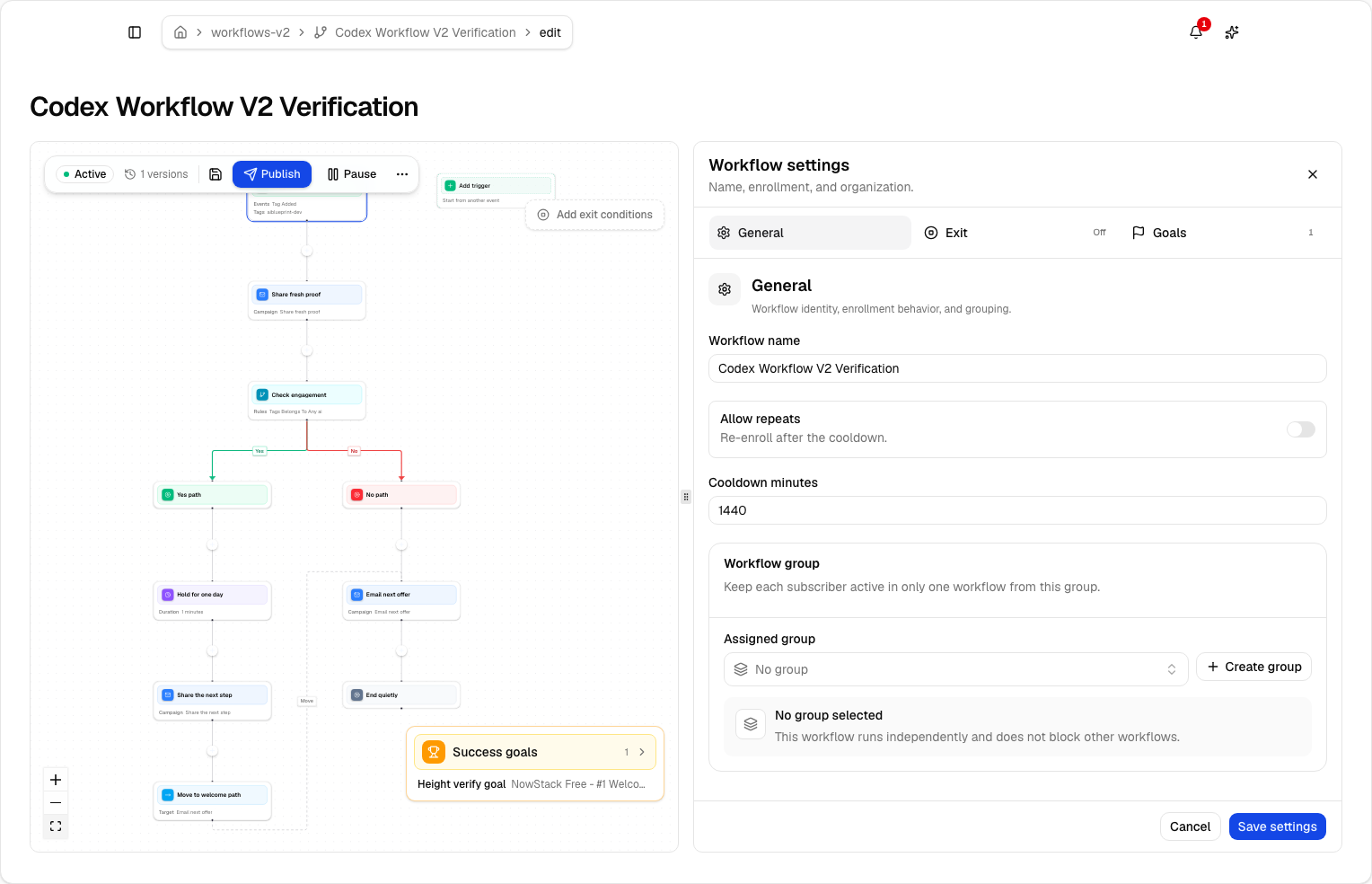
Lumail ships one graph-based workflow engine on every plan: subscriber, tag, event, schedule, and manual triggers; email, wait, action, and webhook steps; condition and weighted branches; goals and exits. The same workflows are readable and editable from the app, MCP, CLI, SDK, and API, so an agent can answer "why did this subscriber skip the branch" from the run trace.
Transactional email is built into the same Lumail organization rather than sold as an add-on. Send through the REST API or through the SMTP relay at smtp.lumail.io:587 with STARTTLS, using the same domain, audience data, and suppression state as your campaigns. If you want product email and marketing email under one roof with one bill, that integration is the more direct path.
Which platform should you choose?
Choose Lumail when your priority is:
- letting AI agents and developer tools operate campaigns, workflows, and subscribers directly;
- working from ChatGPT, Claude, Claude Code, Cursor, a terminal, or product code as naturally as from a dashboard;
- combining marketing, workflow, and transactional email in one organization;
- paying by email volume with unlimited subscriber storage;
- inspectable graph workflows on every plan.
Choose Mailchimp when your priority is:
- one established suite covering email and broader marketing channels;
- landing pages, forms, and website plans in the same product;
- a template and integration ecosystem your team already relies on;
- a familiar general-purpose tool for a non-technical marketing team.
Neither list makes one product universally better. They are optimized for different operators: Mailchimp for the marketer inside the suite, Lumail for the team whose email system needs to be programmable.
A low-risk migration plan
If you decide to move, prove the system before moving the full audience.
1. Export clean subscriber state
Export active contacts, unsubscribes, bounces, tags, and the consent data you rely on. Import suppressions, not only the active list; historical exclusions protect compliance and sender reputation.
2. Authenticate a controlled sending identity
Configure SPF and DKIM, verify the sending domain, and decide whether the From address changes. Keep Mailchimp running while DNS propagates and tests run.
3. Rebuild one workflow and one campaign
Recreate a single automation that matters, run success and early-exit scenarios against a small test audience, then send one representative campaign to a consented segment. Verify personalization, rendering, links, unsubscribe behavior, and recipient counts.
4. Reconnect transactional sending
Point your application at the Lumail API or the SMTP relay and confirm delivery events for account email before switching campaigns over.
5. Measure the repeated work
Time the weekly loop on both platforms: brief to draft, audience definition, test send, schedule, and reporting. If agents handle part of that loop on Lumail, count the steps that disappear.
Frequently asked questions
Is Lumail a Mailchimp alternative that doesn't charge per subscriber?
Yes. Lumail stores unlimited subscribers on every plan and prices by delivered email volume. Mailchimp prices by plan plus contact tier plus a monthly send allowance. Model a normal month and a launch month on both pricing pages before you switch.
Is Lumail cheaper than Mailchimp?
It depends on list size and send frequency. A large list you email selectively usually costs less on Lumail. A small list that fits Mailchimp's free 250-contact plan can cost less than Lumail Premium. Run the numbers; do not trust a generic "cheaper" claim.
What is the main difference between Lumail and Mailchimp?
Mailchimp is an established marketing suite: campaigns, templates, landing pages, forms, websites, SMS add-ons. Lumail is an email operating system: campaigns, graph workflows, transactional email, and 89 MCP tools that agents can drive.
Can I migrate from Mailchimp to Lumail?
Yes. Export a controlled subscriber sample including suppressions, authenticate your sending domain, rebuild one automation as a workflow, send one campaign, then test the agent loop before moving the full list.
Try the workflow that matters most
Before committing, reproduce one real workflow end to end: import a controlled subscriber set, build one automation, send one campaign, and, if you use assistants, run the same operations through MCP or the CLI. That test tells you more than any feature grid.
You can start Lumail free with 3,000 emails per month and no credit card, review the pricing page, or browse the documentation first.
Still evaluating the market? Browse the side-by-side comparison table for Mailchimp, or the full comparison hub covering MailerLite, Kit, beehiiv, Substack, Brevo, ActiveCampaign, Loops, Buttondown, and Resend.